How do I enter my license authorization code?
These instructions assume that you have an internet connection.
-
On the Windows Start menu, click All
Programs->Amos 8.0->Amos 8.0 License Authorization
Wizard.
-
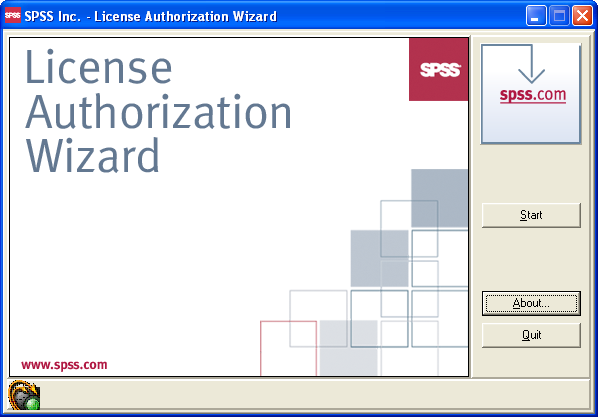
In the following dialog, click Start.
-
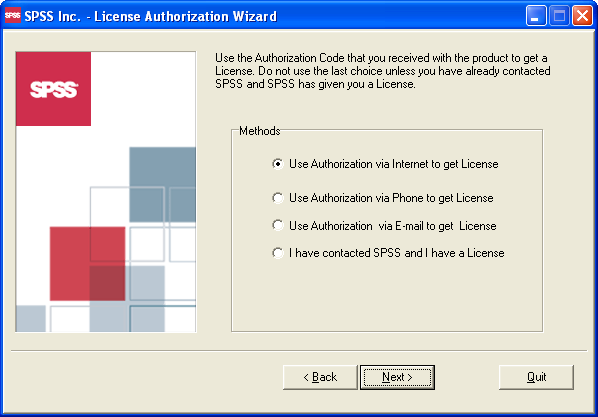
In the following dialog, select Use Authorization via Internet to get License, and
then click Next.
-
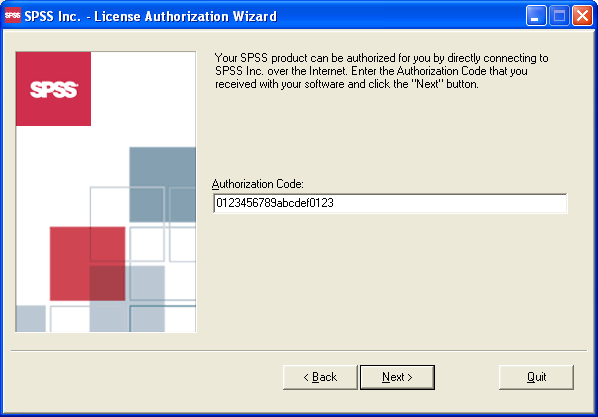
In the following dialog, enter your license
authorization code, and then click
Next. (Enter your own license authorization
code, not the one that is shown in the picture.)
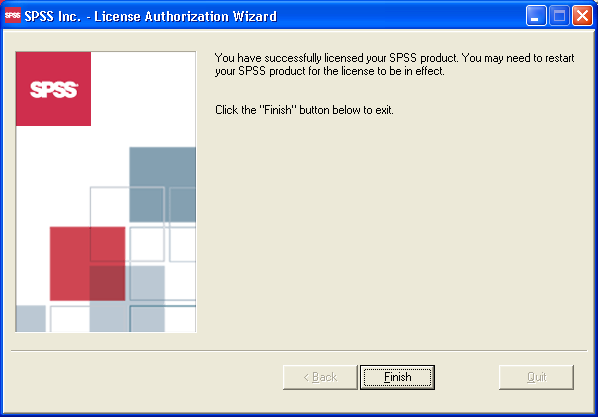
- In the following dialog, click Finish.